


Making a cardboard cutout is easier than most people think. This guide walks you through every step, from picking the right photo to adding the final stand.
I have helped friends set up cutouts for birthdays and school events, so I know what works and what wastes time.
You will learn what materials you need, how to print and prepare your image, and how to cut, glue, and finish it properly.
No special skills needed. Just follow the steps.
Materials Needed to Make a Cardboard Cutout
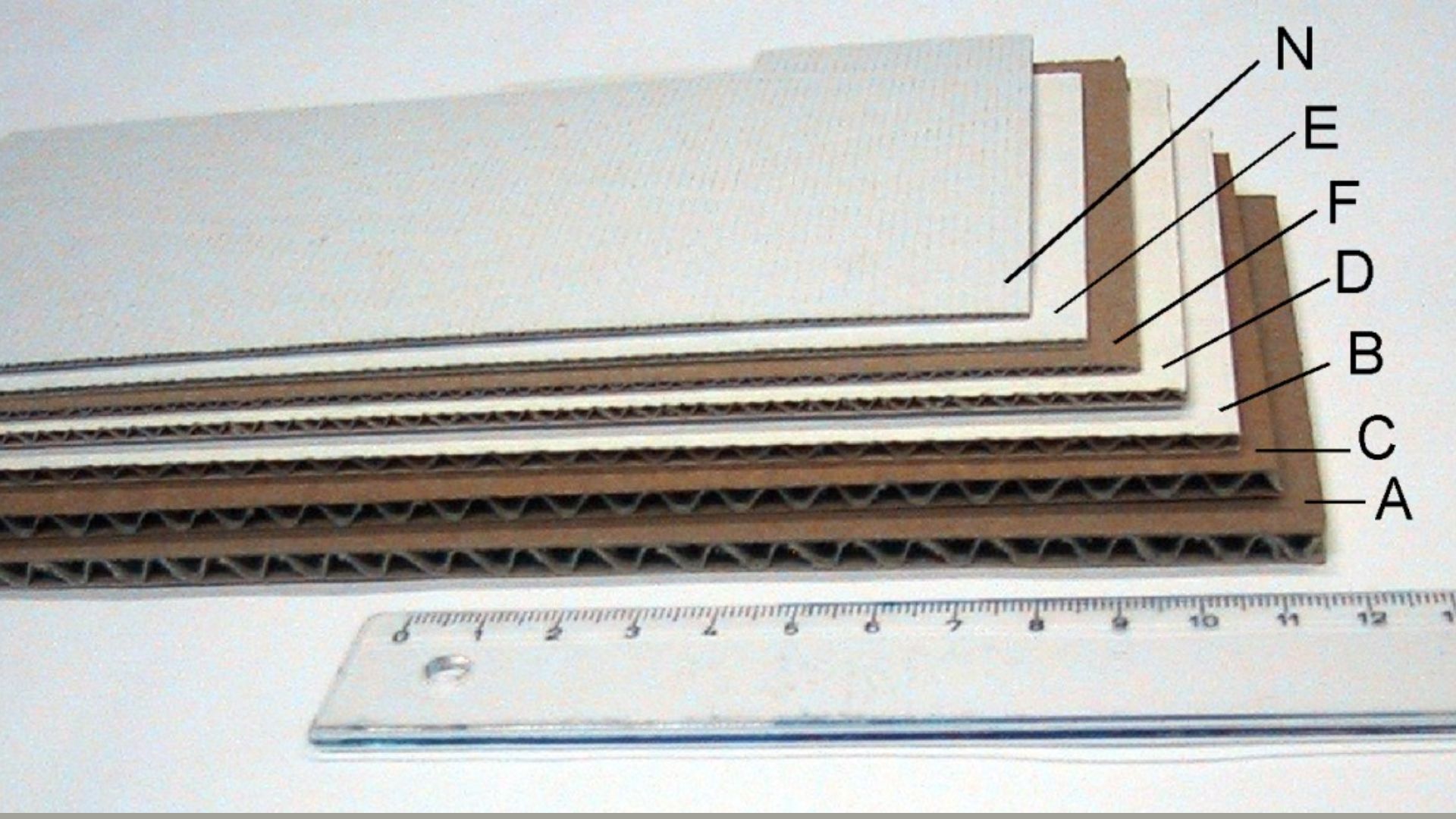
Getting your supplies ready before you start saves time and frustration. Here is a simple list of what you need.
Cardboard or foam board is your base. The foam board is lighter and easier to cut. A printed photo works best at life-size, but you can also tile smaller prints together.
For adhesive, spray glue gives a smooth finish. Glue sticks work too but may leave bumps. A craft knife gives cleaner edges, while scissors are fine for rough cuts.
If you want better results, a few extra tools help. Photo editing software like Canva or GIMP is free and easy to use. A cutting mat protects your table and keeps cuts straight.
For detailed or curved edges, a Dremel or precision cutter makes the job easier. Foam tape or a support stand keeps the finished cutout standing upright on its own.
Step-by-Step Guide on How to Make a Cardboard Cutout

Follow these steps in order for the best results. Do not skip steps, especially the drying time.
Step 1: Choose and Capture the Right Photo
Start with a good photo. A bad photo will ruin the final result no matter how well you cut it.
Use a high-resolution image. Low-quality photos look blurry when printed large.
Keep the background clean and simple. A plain wall or solid-color backdrop works best.
Make sure the lighting is even. Avoid harsh shadows on the face or body.
Step 2: Edit and Prepare the Image
Once you have your photo, do some basic editing before printing.
Adjust brightness and contrast so the image looks clear and sharp.
Remove the background. Tools like Remove.bg make this fast and free.
Clean up the edges around the subject. Rough or blurry edges will show up on the final cutout.
Step 3: Resize the Image to Life Size
This step matters more than people realize.
Scale the image to match the real height of the person or object. A standard adult cutout is around 5 to 6 feet tall.
Add a small amount of extra height at the top and bottom. You will trim it later for a clean finish.
Save the file in a high-quality format like PNG or TIFF. Do not save as JPEG if you can avoid it.
Step 4: Print the Image
You have two main options here.
Use a large-format printer at a print shop. This is the easiest option and gives the cleanest result.
If you have a home printer, you can tile the image. This means printing it across several sheets of paper and joining them together.
Choose the right paper type. Glossy paper looks sharp and bright. Matte paper reduces glare, which is better for outdoor use.
Step 5: Cut Out the Printed Image
Do not rush this step.
Start with a rough cut around the outside of the image. Do not try to follow the exact outline yet.
Then go back and do a more careful, detailed cut along the edges. A craft knife works better than scissors for curved areas.
Cut slowly and steadily. Short, careful strokes give cleaner lines than one long sweep.
Step 6: Attach the Image to Cardboard
Now it is time to glue the print to your cardboard or foam board.
Apply adhesive evenly across the back of the printed image. Uneven glue causes bubbles and wrinkles.
Lay the print down carefully and press from the center outward. This pushes air bubbles out to the edges.
Let it dry fully before moving on. Rushing this step causes peeling later.
Step 7: Cut the Final Shape
Once the glue is dry, cut the final shape out of the cardboard.
Follow the outline of the printed image closely. Use a sharp craft knife for the best results.
Leave a very thin border around the edge. This gives the cutout a cleaner, more finished look.
Do not cut all the way to the ink line. A tiny margin looks better in person.
Step 8: Add Support and Finishing Touches
A flat cutout will not stand on its own. You need to add support.
Attach a foam board strip or cardboard flap to the back. This acts as a kickstand and holds the cutout upright.
You can also use foam tape to attach a store-bought easel back.
Add any decorations or props if needed. Some people add speech bubbles, costume details, or painted touches for events.
Budget-Friendly Tips for DIY Cardboard Cutouts
You do not need to spend a lot to make a great cardboard cutout.
- Tile your image using free software like PosteRazor and print only the sections you need.
- Ask print shops about standard paper sizes as custom sizes always cost more.
- Use recycled cardboard from old shipping boxes instead of buying new foam boards.
- A basic craft knife from a dollar store cuts just as well as a precision cutter.
- Replace a store-bought stand with foam tape and leftover cardboard strips.
Common Mistakes to Avoid
Even small mistakes can affect the final result. Here are the most common ones to watch out for.
Using Low-Resolution Images
This is the number one mistake. When a low-quality image gets printed large, it looks blurry and pixelated. Always start with the highest-resolution photo you have. If the original file is small, the printed cutout will look poor.
Poor Adhesive Application
Applying too little glue leaves sections loose. Too much glue causes the paper to wrinkle. Spray glue applied in a thin, even coat gives the best results. Press the paper down firmly and work out any bubbles right away.
Skipping Proper Support Structure
A cutout without support will fall over or bend. This is especially true for large life-size cutouts. Always add a kickstand or backing before you call it done. Do not assume it will stand on its own.
Cutting Too Close to Edges
Cutting right to the edge of the printed outline often removes part of the image. It also leaves the cardboard looking rough. Leave a thin border. It protects the edges and gives a cleaner finish.
Conclusion
Making a cardboard cutout is a fun project that anyone can do at home. I remember making my first one for a friend’s birthday using just a home printer and some recycled boxes. It was not perfect, but it looked great and everyone loved it.
Now it is your turn. Try the steps, take your time, and do not worry if the first one is not flawless.
Got questions or made your own cutout? Drop a comment below. I would love to see how it turned out.
Frequently Asked Questions
What is the best cardboard to use for a life-size cutout?
Foam board is the top choice because it is lightweight and easy to cut cleanly. Double-layered recycled cardboard from shipping boxes also works well and costs nothing.
Can I make a cardboard cutout without a large-format printer?
Yes. You can tile the image using free software and print it on regular paper at home. Join the sheets carefully with tape on the back before gluing to cardboard.
How do I keep the cutout from falling over?
Attach a cardboard strip or foam board flap to the back at an angle. This acts like a kickstand. You can also buy a small easel back from a craft store and tape it on.
How long does a DIY cardboard cutout last?
With proper storage away from moisture, a cardboard cutout can last one to two years. Foam board lasts longer than regular cardboard. Keep it in a dry place and away from direct sunlight.
What is the easiest way to remove the background from a photo?
Free tools like Remove.bg or Canva’s background remover work well for most photos. For more control, use GIMP or Photoshop to clean up the edges around the subject manually.
